Super CartShopping organizer for Android

Remember every product and the shop it was in.

Take a photo of a product, price tag or receipt. Super Cart reads the details with AI, saves where you were, works in your language and keeps the QR code.

US$2 per month, no account needed

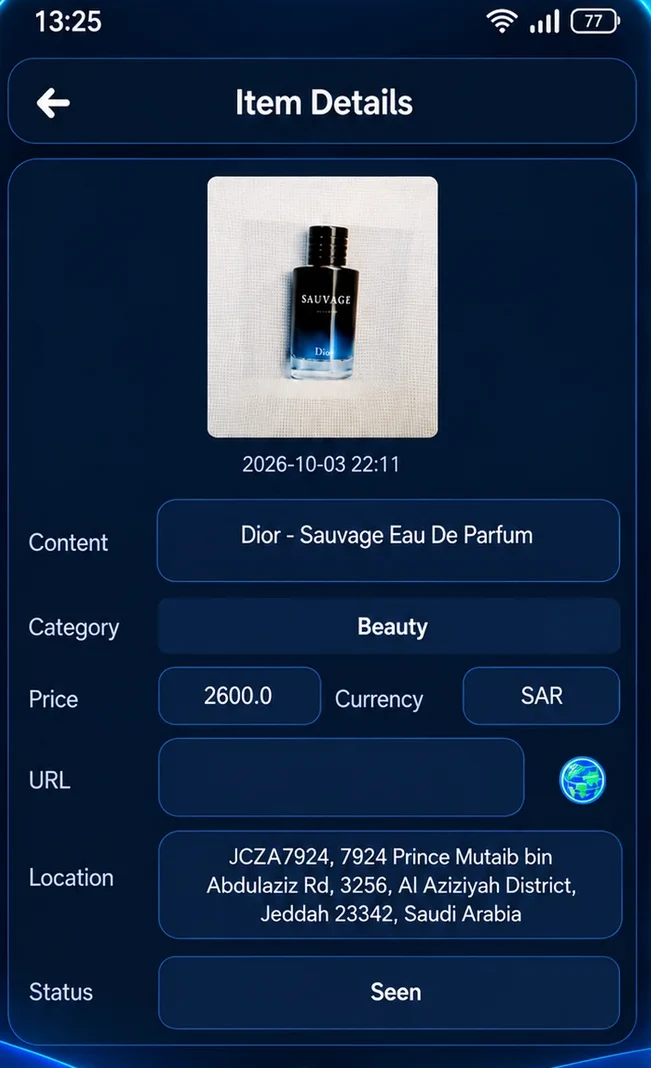
AI read the photo
Item
Dior Sauvage EDP
Category
Beauty
Price
2,600 SAR
Location saved

Al Aziziyah District, Jeddah

QR code kept
Your language
Super Cart saved item with photo, category, price, currency, location and status
Location memory

Forgot which shop had it? Super Cart didn’t.

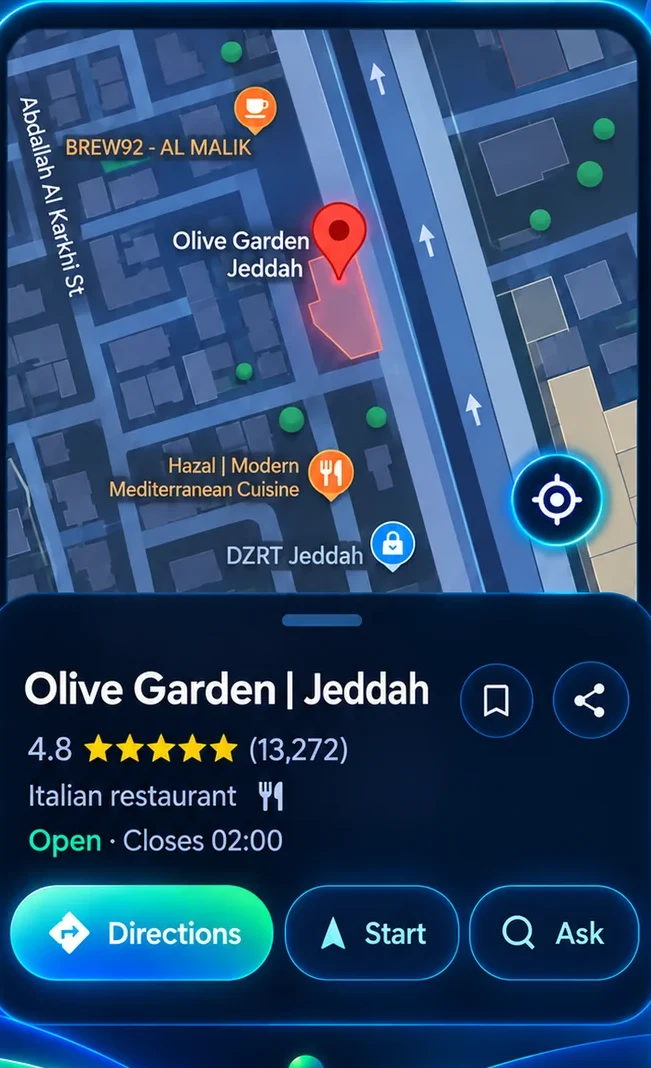
Every photo you save remembers where it was taken. Later, open the place on the map and get directions straight back.

  • The address is saved automatically with each item
  • Open the shop on the map with one tap
  • Location is optional and can be switched off at any time
Perfume Phone Shoes
Super Cart opening a saved shop location on the map with directions
AI assistant

Take a photo. AI fills in the rest.

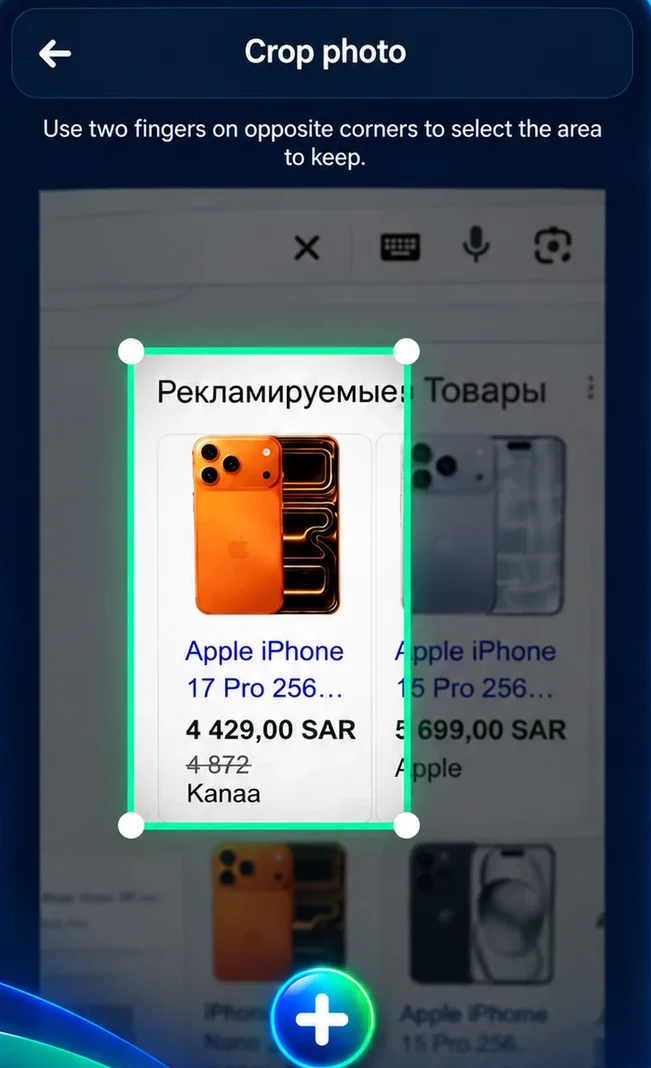
Crop the product from a shelf, a website or a receipt. The built-in AI reads the name, category, price and currency, so you don’t have to type.

  • Works on products, price tags, receipts, bills and invoices
  • Runs on your phone, even without internet
  • Every detail can be edited before you save
Super Cart cropping a product from an online shop page
Details found
ItemApple iPhone 17 Pro 256 GB
CategoryElectronics
Price4,429.00
CurrencySAR
StatusSaw

Ready to save

Multilanguage

Shop in your own language, anywhere.

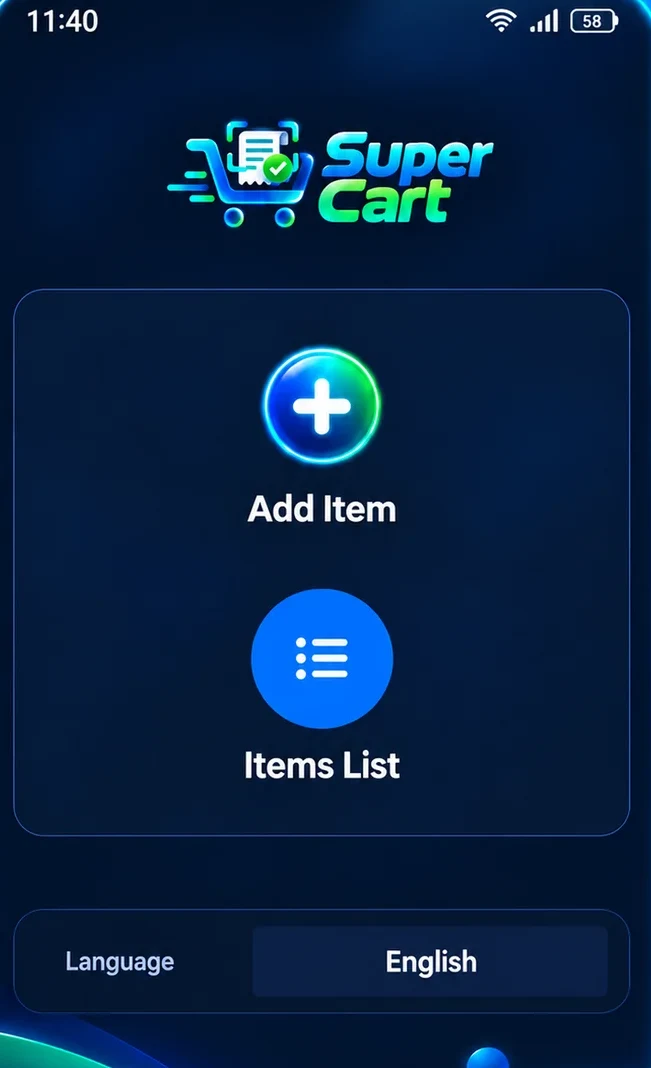
Choose the app language right on the home screen. At home or travelling, Super Cart speaks the language you are most comfortable with.

  • Language switch on the home screen
  • Prices keep their original currency
  • Save products from shops and websites in other countries
Super Cart home screen with Add Item, Items List and the language selector
QR codes

Keep the QR code with the purchase.

When a photo contains a QR code or barcode, Super Cart decodes it and stores it with the item. Warranty links, e-receipts and product pages stay one tap away.

  • Finds QR codes and barcodes inside your photos
  • Decoded on your phone, never uploaded
  • Saved next to the receipt, price and location
QR code found

E-receipt link saved with this purchase

Receipt read

Total 408.00 SAR, status Bought

From “saw it” to “bought it”.

Every item gets a status, so your list works as a wishlist, a shopping list and a purchase history at the same time.

Saw Want To buy Bought
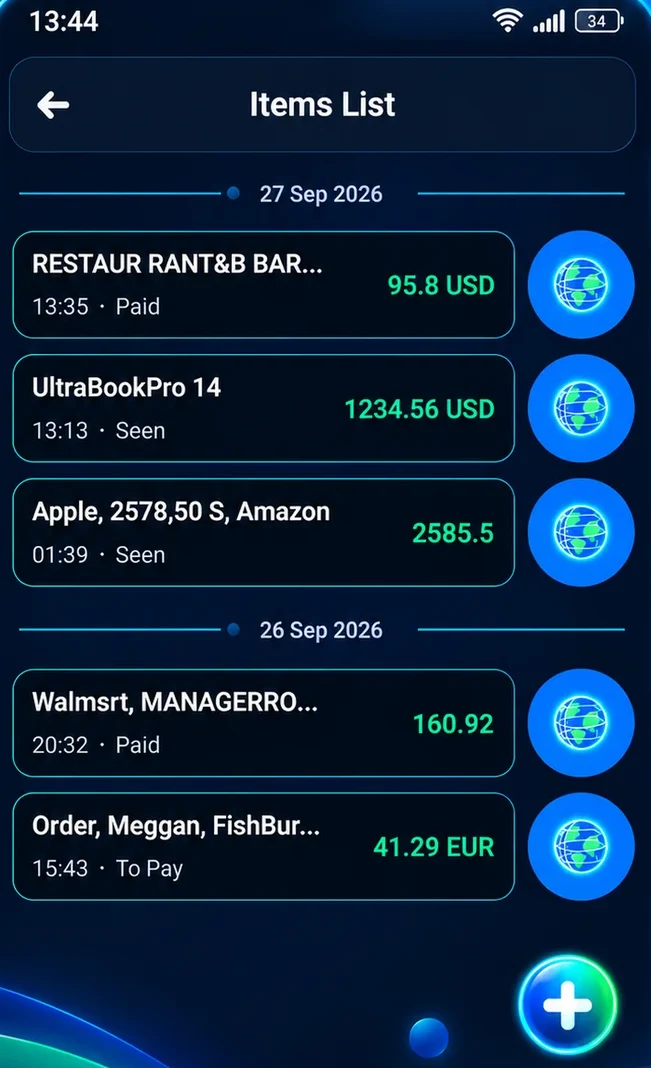
  • Items grouped by day, with price and currency
  • Products, receipts and invoices in one list
  • Compare prices online when you choose to
Super Cart items list grouped by date with prices and statuses

Private by design.

Your shopping history belongs on your phone, nowhere else.

No account

No sign-up, no email, no password. Install and start saving.
Stays on your phone

Photos, prices, receipts and locations are stored on your device.

No ad profiles

Your purchases and places are never used for advertising or tracking.

One simple price.

Everything in Super Cart is included. Subscribe and cancel through your Google Play account.

Questions about Super Cart

Do I need to create an account?

No. Super Cart works without any sign-up, email or password.

Does it work without internet?

Yes. Taking photos, AI reading, QR codes and your list all work offline. Maps and online price comparison need a connection.

Do I have to share my location?

No. Location is optional. Without it, everything else keeps working; items simply won’t have a saved place.

How do I cancel the subscription?

Open Google Play, go to Payments and subscriptions, then Subscriptions, and choose Super Cart.

Your shopping memory, in your pocket.

Products, prices, places and QR codes, always together.